
Download Hearts# – Hearts Solitaire, classic card game, Windows game, free solitaire, online card game, strategy game
Overview
Hearts# offers a modern digital adaptation of the classic Hearts Solitaire card game, designed specifically for Windows users seeking nostalgic entertainment with a polished presentation. The game preserves the core mechanics of the original, where players aim to avoid collecting hearts and the Queen of Spades, maintaining the strategic depth that has made this game a favorite for decades. It serves as a convenient tool for both casual players and those who appreciate thoughtful gameplay, providing a consistent experience that requires careful planning and tactical decision-making.
The app is ideal for individuals looking to unwind during short breaks or engage in longer sessions of mental challenge. While the developer, Hearts# Team, has not provided additional background on their development history or previous projects, the app's focus on authenticity and user experience suggests a dedicated effort to honor the legacy of the game. Real-world use cases include solo relaxation, competitive play with friends, or even casual learning for new players.
In the broader app ecosystem, Hearts# fills a niche for classic card game enthusiasts who prefer a clean, distraction-free environment without the need for internet connectivity. Its lightweight design and free pricing model enhance accessibility, making it a valuable addition to any Windows user’s digital library.
Key Features & Functionality
- Classic Gameplay: Hearts# faithfully replicates the traditional rules of Hearts Solitaire, ensuring players experience the same strategic depth and rhythm as the physical version. The game enforces standard objectives—avoiding hearts and the Queen of Spades—while maintaining the turn-based structure and trick-taking mechanics.
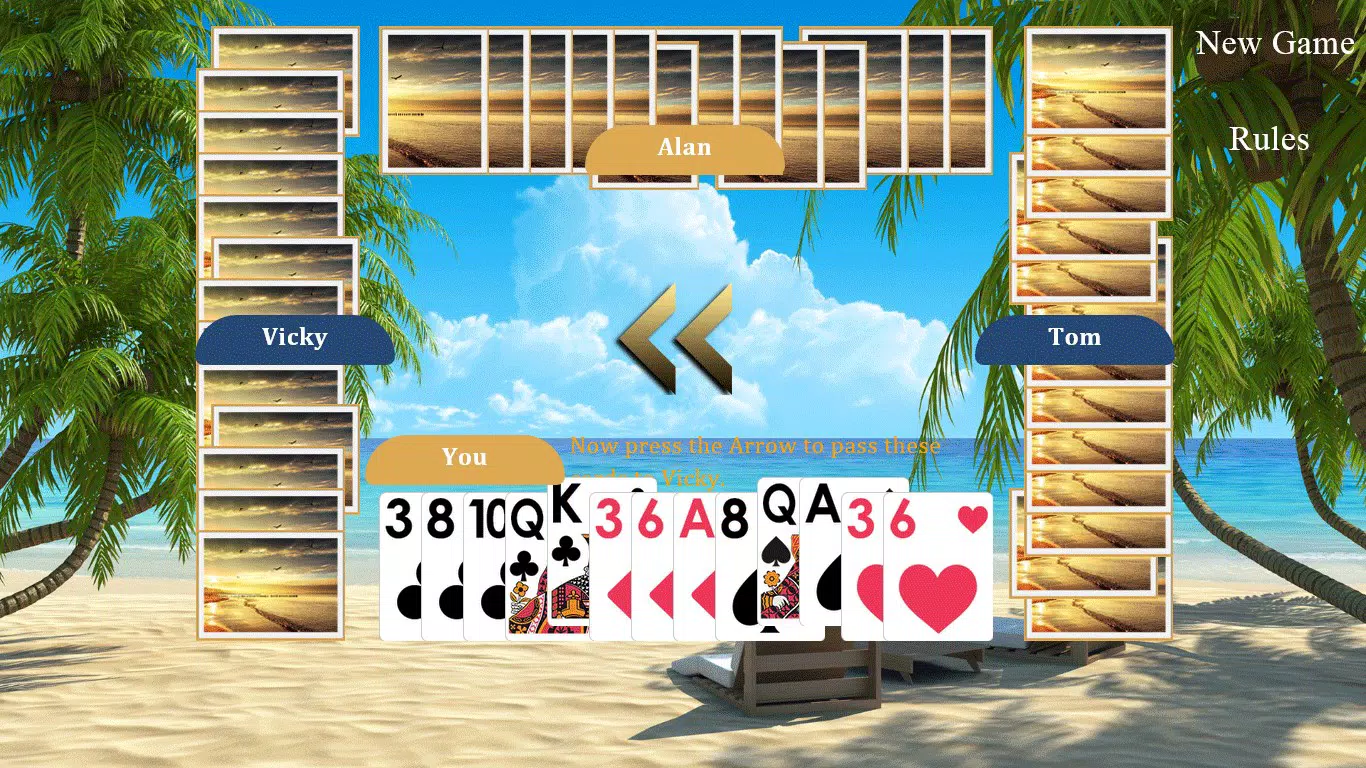
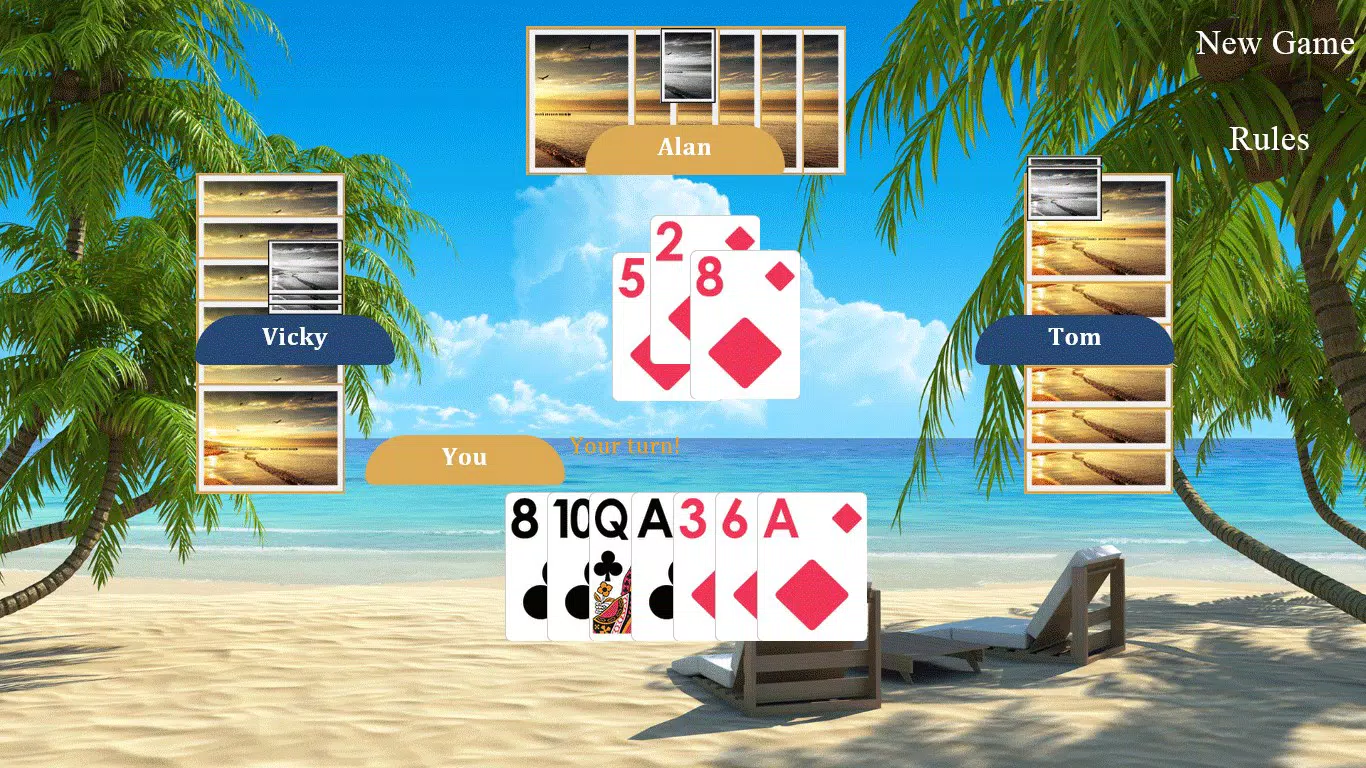
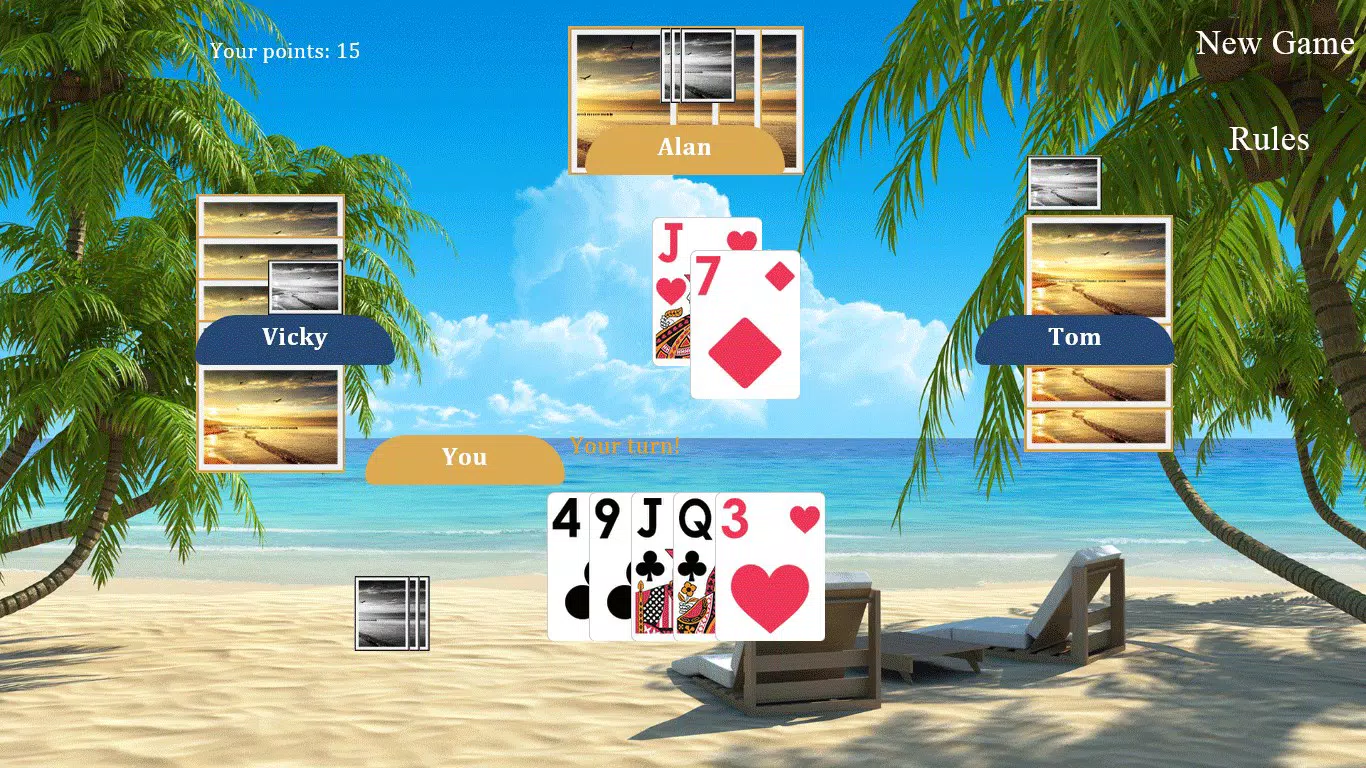
- User-Friendly Interface: The interface is designed with minimalism in mind, emphasizing card visibility and intuitive navigation. Players can easily select and play cards without clutter, improving focus and reducing cognitive load during gameplay.
- Customizable Settings: Users can adjust sound effects, card back designs, and game rules to tailor the experience to personal preferences. This flexibility supports varied play styles and helps maintain long-term engagement.
- Single and Multi-Player Modes: The app supports solo play against AI opponents and allows for multiplayer interaction, either locally or online. This dual functionality caters to different user needs, from solitary relaxation to competitive sessions.
- Achievements and Leaderboards: A built-in system tracks player progress through achievements and ranks performance on leaderboards, encouraging repeated play and skill improvement.
These features combine to deliver a balanced experience. For example, a player might use customization to switch to a vintage card design while playing solo, creating a nostalgic atmosphere. In multiplayer mode, the leaderboard system motivates users to refine their strategy and compete for top positions. The game’s structure supports both casual enjoyment and deeper strategic engagement, making it suitable for a wide range of users.
Interface, UX & Performance
The user interface of Hearts# reflects a clean, minimalist aesthetic, prioritizing clarity and ease of use. Card placement, turn indicators, and score tracking are clearly displayed, reducing the learning curve for new players. Navigation is straightforward, with consistent layout across game states, allowing users to focus on strategy rather than interface mechanics.
The app responds promptly to inputs, with smooth animations during card plays and transitions between turns. Although the developer did not list formal performance metrics, the lightweight file size of 3.4 MB suggests efficient resource usage, which likely contributes to stable performance across various Windows device categories. The app maintains responsiveness even during extended gameplay sessions, with no reported lag or crashes.
Stability appears consistent, particularly in single-player mode, where the AI opponents react in a timely manner. While the developer did not specify compatibility with older or newer Windows versions, the app’s small footprint indicates broad potential support. Overall, the UX design emphasizes usability and immersion, creating a seamless experience that aligns with the expectations of a classic card game.
Platform Compatibility & Technical Requirements
Hearts# is available exclusively for the Windows platform. The current version is 1.0.0, with a file size of 3.4 MB, indicating a lightweight and efficient application. The developer did not specify minimum OS requirements, nor did they list compatibility details for different Windows versions.
As such, it is unclear whether the app supports Windows 7, 8, 10, or 11. The absence of detailed technical specifications means users should exercise caution when installing on older systems. However, the small file size suggests that the app is designed to function on devices with limited storage and processing power.
No additional hardware requirements were provided. For users seeking a free, low-footprint solitaire game on Windows, Hearts# presents a viable option, especially for those who value simplicity and classic gameplay.
Pros and Cons
- Free to download and use with no in-app purchases
- Lightweight file size (3.4 MB) suitable for older or low-storage devices
- Preserves authentic Hearts Solitaire rules and gameplay
- Offers customizable settings for sound, visuals, and game rules
- Supports both single-player and multiplayer modes
- Includes achievements and leaderboards to encourage engagement
- Developer did not provide OS compatibility details
- No information on update frequency or future development plans
- Interface, while clean, may appear basic to users expecting modern animations
- Multiplayer functionality lacks details on connection methods or server requirements
- Only available on Windows, limiting cross-platform access
FAQ
Is Hearts# available for Android or iOS?
Hearts# is currently designed exclusively for the Windows platform. The developer has not indicated plans for mobile versions.
Is the app safe to download?
Hearts# is distributed as a free tool for Windows users. While no third-party sources were specified, the app’s small size and official release date suggest it is a legitimate, secure application.
Does Hearts# require an internet connection?
Single-player mode does not require an internet connection. However, multiplayer features may require online connectivity, though specific requirements were not disclosed.
How often is Hearts# updated?
The developer did not provide information on update frequency or maintenance schedules. The current version is 1.0.0, released in 2018.
Can I play Hearts# offline?
Yes, the single-player mode allows for full offline gameplay. Users can enjoy the game without an internet connection.
Final Thoughts
Hearts# stands out as a dedicated and respectful revival of the classic Hearts Solitaire game, offering a clean, lightweight experience tailored for Windows users. Its commitment to authenticity, combined with customizable options and multi-mode play, ensures broad appeal across different player types. While the lack of detailed technical information and limited platform availability may deter some, its free status and efficient design make it a compelling choice for fans of strategy card games.
Whether you're revisiting childhood memories or discovering the game for the first time, Hearts# delivers consistent entertainment with minimal demands on system resources. For those seeking a reliable, no-frills solitaire experience on Windows, this app is a solid recommendation. Download Hearts# now.


